Table of Contents65
Introduction:
Nintendo Switch ROMs are a popular topic among gamers, collectors, and technology enthusiasts. As the Nintendo Switch continues to dominate the gaming world, more people are curious about how game files work, how they can preserve their collections, and what legal considerations are involved.
Whether you are new to the concept or looking for a detailed explanation, this guide covers everything you need to know about Nintendo Switch ROMs. You will learn what they are, how they are used, the benefits and risks, and the best ways to preserve your favorite games responsibly.
What Are Nintendo Switch ROMs?
A Nintendo Switch ROM is a digital copy of a game originally stored on a physical cartridge or downloaded from the Nintendo eShop.
The term ROM stands for “Read-Only Memory,” but in the gaming world it usually refers to a file containing all of a game’s data.
Common Nintendo Switch ROM file formats include:
- NSP (Nintendo Submission Package)
- XCI (Exact copy of a physical cartridge)
- NSZ (Compressed NSP file)
- XCZ (Compressed XCI file)
These files contain all the data required to run a game, including graphics, audio, code, and metadata.
Why Gamers Are Interested in Nintendo Switch ROMs
Nintendo Switch ROMs attract attention for several reasons.
Game Preservation
Physical cartridges can become damaged or lost. Digital backups help preserve games for long-term access.
Personal Backups
Some users create copies of games they legally own to protect their collections.
Emulation
ROMs can be used with emulators on computers to study game performance and compatibility.
Modding
Developers and enthusiasts use ROMs to explore textures, game files, and modifications.
Accessibility
Playing games on a computer can allow for custom controls, visual enhancements, and accessibility features.
How Nintendo Switch ROMs Work
A ROM is essentially a packaged game file that contains all the necessary information to load and run the game.
When used with compatible software, the ROM is read and processed just as the original console would process a cartridge or digital game.
This allows users to:
- Archive their game collection
- Analyze software
- Apply modifications
- Preserve rare titles
Nintendo Switch ROM File Formats Explained
Understanding file types helps users manage their game libraries effectively.
NSP Files
NSP files are installable packages similar to games downloaded digitally.
Advantages:
- Easy to organize
- Supports updates and downloadable content
- Widely used for backups
XCI Files
XCI files are full images of physical game cartridges.
Advantages:
- Closely replicate the original cartridge
- Useful for archival purposes
- Preferred by many collectors
NSZ and XCZ Files
These are compressed versions that save storage space without losing essential data.
How ROMs Are Created
ROMs are created by extracting game data from legally owned copies.
The general process includes:
- Accessing the game on compatible hardware
- Dumping the data to a file
- Verifying file integrity
- Saving the backup securely
This process is commonly used for preservation and personal archiving.
Benefits of Nintendo Switch ROMs
Nintendo Switch ROMs offer several practical advantages.
Protecting Your Collection
Creating backups helps preserve games if physical media is damaged.
Faster Access
Digital libraries are easier to search and organize.
Storage Efficiency
Compressed formats reduce disk usage.
Enhanced Experience
Some emulation environments allow improved resolution and performance.
Long-Term Preservation
ROMs ensure that games remain accessible even as hardware ages.
Popular Uses for Nintendo Switch ROMs
ROMs are used in a variety of legitimate contexts.
Archiving Rare Titles
Collectors preserve games that may become difficult to find.
Research and Development
Developers study game structures and performance.
Mod Creation
Fans create texture packs, translations, and gameplay adjustments.
Save Management
Users back up and transfer progress files.
Educational Purposes
ROMs help students and hobbyists understand software architecture.
Legal Considerations
The legality of Nintendo Switch ROMs depends on local laws and how the files are obtained and used.
In many jurisdictions:
- Making a personal backup may be allowed.
- Downloading copyrighted games without authorization may violate copyright law.
- Sharing ROMs publicly is often prohibited.
- Circumventing security protections may be restricted.
Because laws vary, it is important to understand the rules that apply in your country.
Risks of Downloading ROMs from Unknown Sources
Obtaining files from unverified sources can expose users to significant risks.
Malware
Some downloads contain harmful software.
Corrupted Files
Incomplete or altered files may not work properly.
Privacy Issues
Suspicious websites may track users or distribute unwanted programs.
Legal Exposure
Unauthorized downloads may infringe copyright.
The safest option is to create backups from games you personally own.
Nintendo Switch ROMs and Emulation
Emulation is the process of recreating console behavior in software.
This allows a computer to interpret and run game data in a controlled environment.
Common reasons people use emulation include:
- Preservation
- Testing
- Accessibility
- Performance analysis
Emulation itself is a technical method and has many lawful uses when combined with legally obtained game files.
PC Requirements for Emulation
The performance of Nintendo Switch games on a computer depends on hardware capabilities.
Recommended specifications often include:
- Modern multi-core processor
- 16 GB or more of RAM
- Dedicated graphics card
- Solid-state drive
- Updated drivers
More demanding games may require stronger components.
Storage Requirements
Nintendo Switch games vary greatly in size.
Approximate ranges include:
- Small indie games: 500 MB to 3 GB
- Mid-sized titles: 5 GB to 15 GB
- Large games: 15 GB to 30+ GB
A large library can easily consume several terabytes of storage.
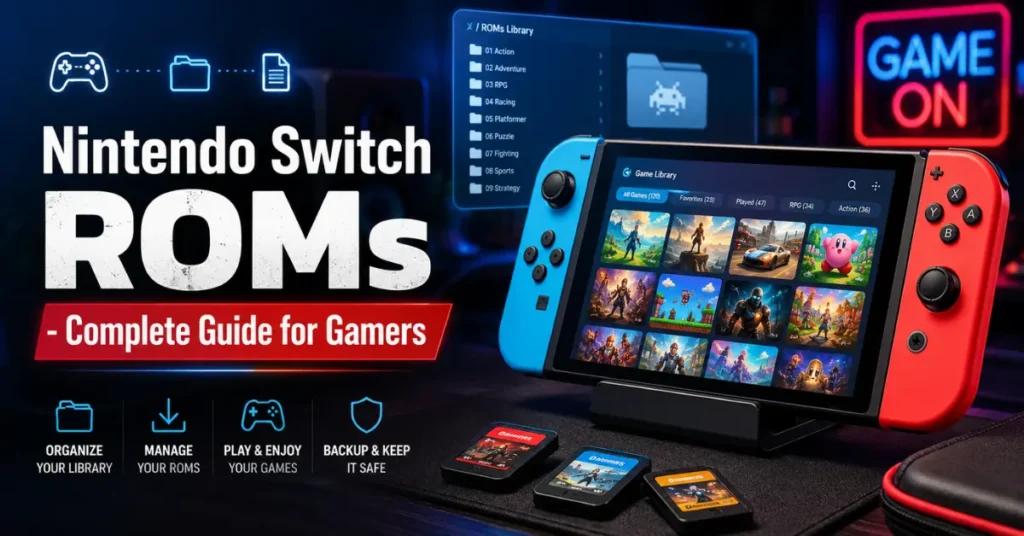
How to Organize a ROM Library
Proper organization makes it easier to manage and preserve files.
Folder Categories
- Action
- Adventure
- RPG
- Racing
- Updates
- DLC
- Save Files
Naming Conventions
Use consistent names that include version numbers and dates when relevant.
Backup Strategy
Maintain copies on external drives and cloud storage for redundancy.
Save Data Preservation
Game saves are valuable and should be backed up regularly.
Best practices include:
- Creating multiple copies
- Using dated folders
- Testing backups periodically
- Storing copies in separate locations
This protects progress against hardware failures.
Advantages Over Physical Media
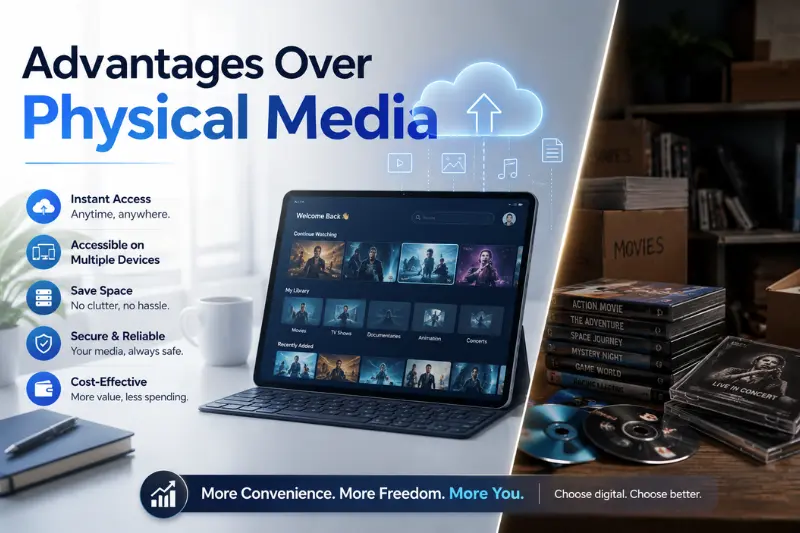
Digital archives offer several conveniences.
No Cartridge Wear
Files do not degrade from repeated use.
Instant Search
Libraries can be sorted and filtered quickly.
Portable Storage
Thousands of games can fit on a single drive.
Disaster Recovery
Backups help recover collections after hardware damage.
Limitations and Challenges
ROMs and emulation also have drawbacks.
Compatibility Issues
Not every game behaves perfectly.
Technical Setup
Managing files and software can be complex.
Large Storage Needs
High-capacity drives may be necessary.
Legal Uncertainty
Rules vary by region and circumstance.
Common Myths About Nintendo Switch ROMs
Myth 1: All ROMs Are Illegal
Legality depends on ownership, use, and local laws.
Myth 2: Emulation Is Piracy
Emulation is a software technique with many lawful applications.
Myth 3: ROMs Automatically Improve Games
Enhancements depend on hardware and software support.
Myth 4: Physical Games Last Forever
Cartridges can fail, making backups useful for preservation.
Best Practices for Responsible Use
To handle Nintendo Switch ROMs responsibly:
- Back up only games you own.
- Keep copies private.
- Verify file integrity.
- Maintain multiple backups.
- Respect copyright laws.
- Store data securely.
- Document your collection.
These habits support ethical preservation.
The Role of Game Preservation
Video games are a significant part of modern culture.
Preserving software helps ensure that future generations can study and enjoy important titles even after hardware becomes obsolete.
Nintendo Switch ROMs contribute to this broader effort by allowing users to archive and protect their personal collections.
Alternatives to ROMs
If you want to enjoy Nintendo Switch games without dealing with backups, consider:
- Physical cartridges
- Digital purchases
- Subscription services
- Official re-releases
These options provide convenient access while directly supporting developers and publishers.
Frequently Asked Questions
What are Nintendo Switch ROMs?
They are digital copies of Nintendo Switch game data stored in formats such as NSP and XCI.
Are Nintendo Switch ROMs legal?
Legality depends on how they are obtained and the laws in your country.
Why do people create ROM backups?
To preserve games, protect cartridges, and archive collections.
Can ROMs be used for game preservation?
Yes, they are widely discussed in preservation contexts.
How much storage do Nintendo Switch games require?
Game sizes range from a few hundred megabytes to more than 30 GB.
Final Thoughts
Nintendo Switch ROMs are an important part of the conversation around game preservation, archiving, and technical research. They help collectors protect their libraries, allow developers to study software, and support the long-term preservation of modern games.
At the same time, users should be aware of legal responsibilities and security risks. Creating personal backups from games you own and using them responsibly is the safest and most ethical approach.
As digital entertainment continues to evolve, preserving games becomes increasingly important. Understanding Nintendo Switch ROMs provides valuable insight into how players and collectors can safeguard the titles they care about for years to come.